
How to install the Platebit APK
Installing takes a few seconds.
How to get started with Platebit
Three simple steps to set up the app and open your AI coach.
1. Download the app
Android 12 or newer. For the watch, Wear OS 3 or newer.
2. Install it on your phone
Android will ask whether you allow installs from your browser. Tap “Settings”, turn on “Allow from this source”, go back and tap “Install”. After that the app updates itself: it notifies you when a new version is out.
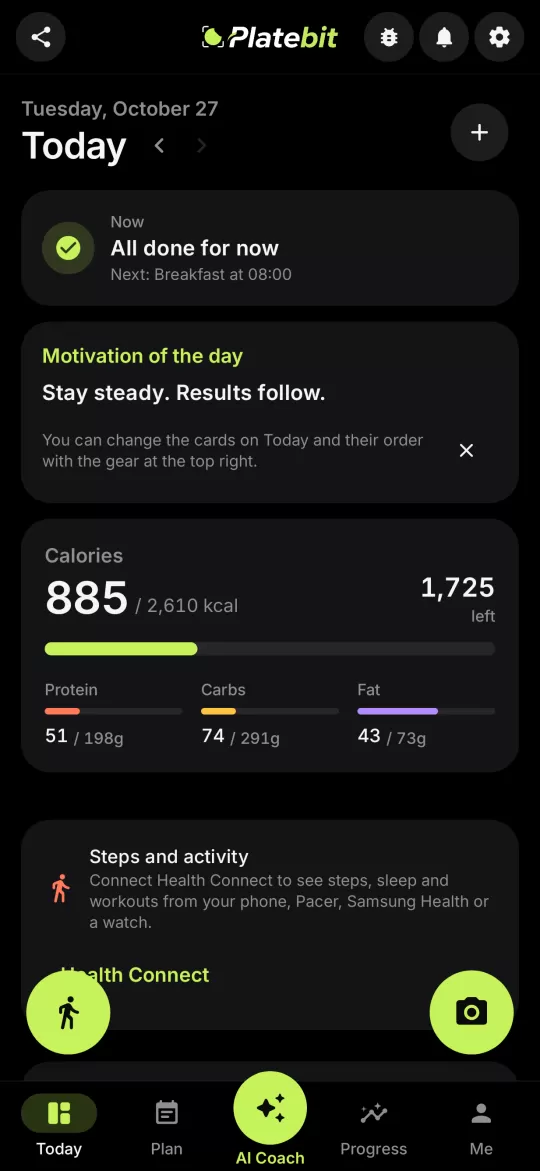
3. Turn on the AI
At the end of the first setup you can turn on Cloud AI if you have an invitation: a free beta, no account, with daily limits. Otherwise add your own key (e.g. a free Google Gemini key), with a guide inside the app. For a natural voice in Live you also need a free Gemini key.

Become a beta tester
Try new versions first and tell us what to improve, translations included.
Want to try Platebit?
Download the free beta straight to your phone. No card, no commitment, no ads.