
Platebit on the watch: tiles and faces
The watch is more than a face. It's a second Platebit on your wrist: workouts, walks, logging food and water, medicines, fasting, women's health, breathing and Arni, without taking your phone out of your pocket.
At the gym
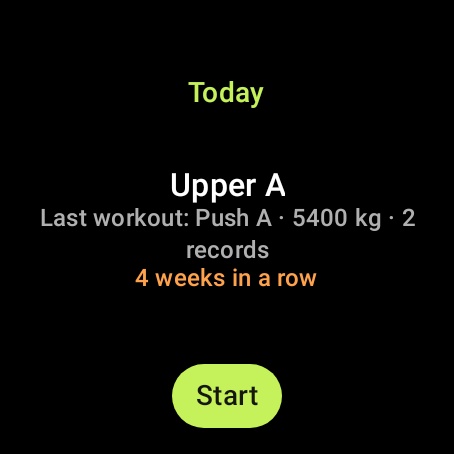
- Your workout on the wristStart today's workout from the watch or the phone; the watch app opens by itself. You see the exercise, the set, the weight and the reps.
- A set in one tapChange weight and reps with − and +, then tap ✓. Bodyweight exercises count reps only.
- “Last time 80 × 8”For every set you see what you did last time. Nothing to remember.
- Records with a buzzLift more, or beat your best estimated 1RM, and the watch buzzes with “New record!”.
- What's nextThe next exercise, the superset and the sets left.
- RestA countdown with Skip and +30″, and a buzz at the end. It keeps going with the screen off.
- Rest by heart rateOptional: the rest ends your heart rate has dropped enough, or gives you a few seconds more if it's still high.
- Live heart rateThe watch's sensor sends your heart rate to the phone every 15 seconds.
- Rep counting (beta)The watch counts reps from your arm's movement; you just check the number.
- A summary at the endTime, sets, total volume, records, average and highest heart rate, and calories from heart rate (for information).
- Finish with two tapsSo a workout never ends by accident.
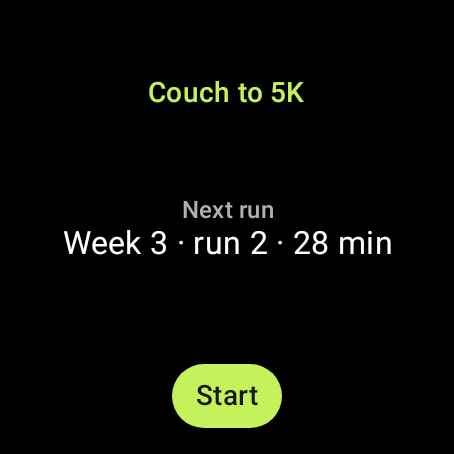
Walking, running, Couch to 5K
- Your walk on the watchSteps, time, kilometres, pace and cadence, with Pause and Finish.
- Run / WalkIn Couch to 5K and Japanese interval walking you see the phase with a countdown, and the watch buzzes at every change.
- Heart-rate zonesYour zone in colour, with “Pick up the pace” or “Ease off” when you leave the target. You can turn it off.
- Walking plan for 60+ / 70+The watch counts down the day's target.
- Heart rate on walksThe average goes into the walk's note.
Logging from the wrist
- Food by voiceSay “two eggs and a toast”. The phone works it out and sends a card to the watch; nothing is logged until you tap Add.
- My meals and my recipesOne tap, at the meal of the time of day.
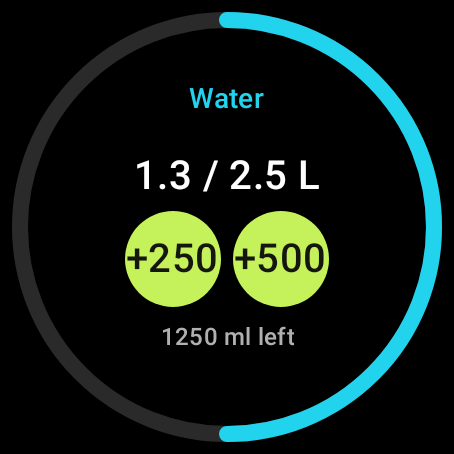
- Water+250 or +500 ml.
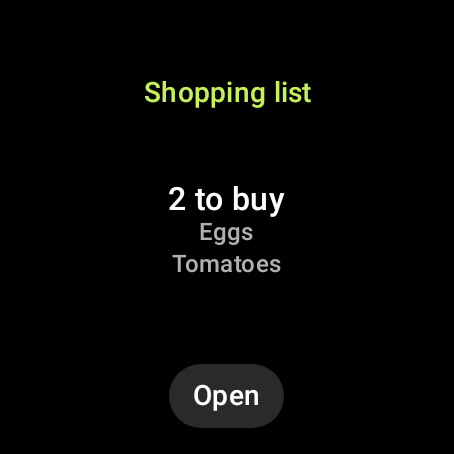
- Shopping listTick items off while you shop; the phone sees it at .
Your day at a glance
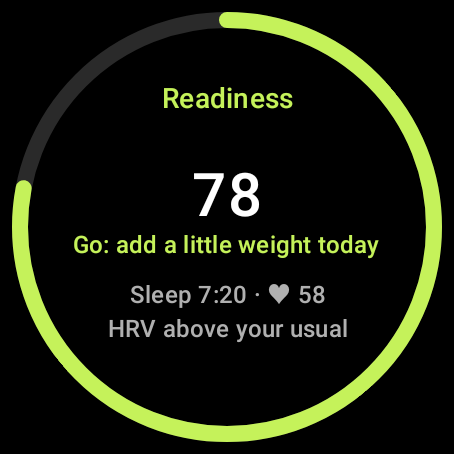
- In the morningReadiness for training, your sleep and Arni's line for the day.
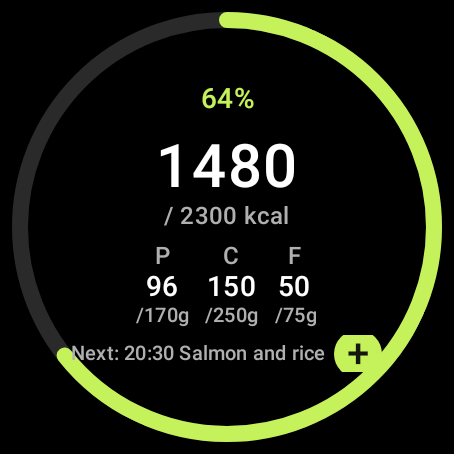
- FoodCalories, protein, carbs and fat left, and the next meal from your plan.
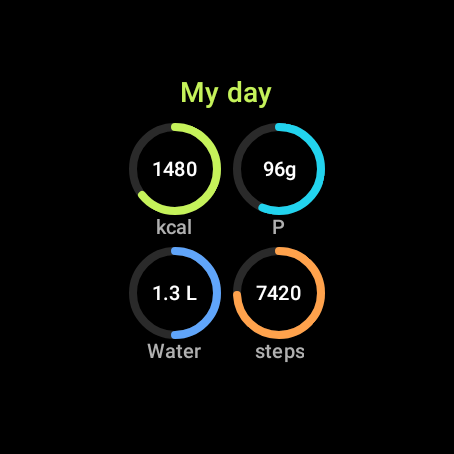
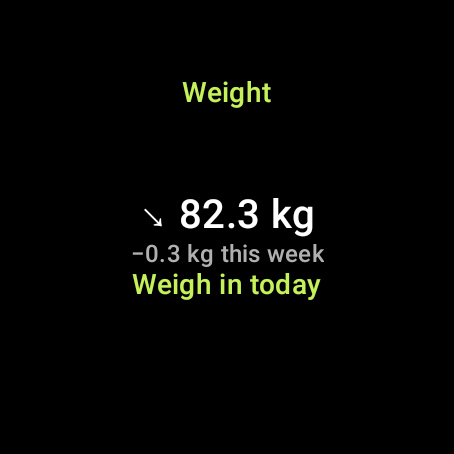
- Moving and progressSteps, the week's workouts, your streak, the weight trend with the week's change, and “weigh in today”.
- In the eveningA check-in with quick replies, kept as the day's mood.
- Glucose and blood pressureThe latest reading, for information only, and only when you've turned them on.
Medicines and GLP-1
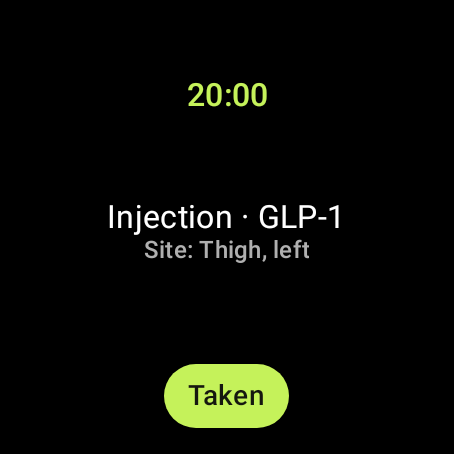
- Next doseWith Taken, from the wrist.
- GLP-1 injectionThe injection day and the site to use, rotating through six places.
- Supplements with the workoutElectrolytes and amino acids are marked as taken when the workout ends.
Women's health
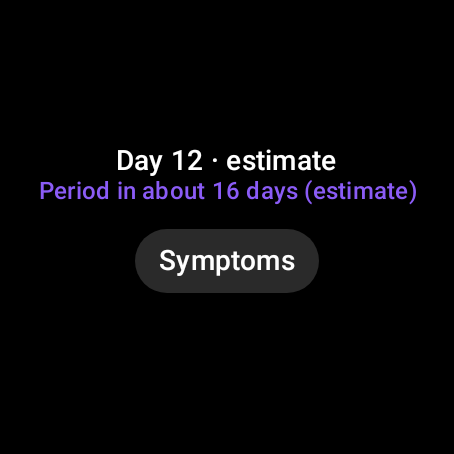
- CycleThe cycle day and the next period as an estimate.
- Symptoms in one tapCramps, bloating, headache and more, on three levels.
- MenopauseOne tap per hot flush, counted per day with the time.
- Always discreetNone of this shows unless women's health is on, and never in discreet mode.
Fasting
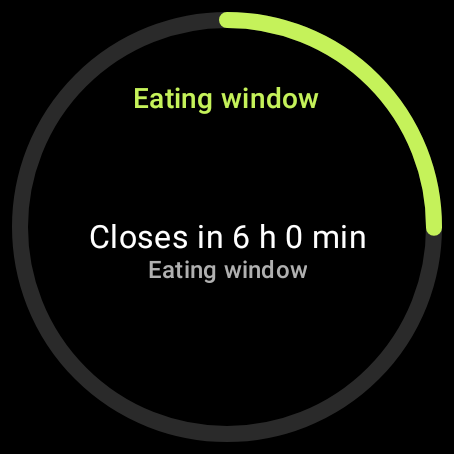
- Eating windowWhen it opens and closes, with a ring.
- Fasting daysThe fasting day (Orthodox, Holy Week), and in Ramadan the time left to Suhoor and Iftar.
Calm, music, Arni
- Breathing with vibration4 seconds in, 6 out, eyes closed. Also saved to Health Connect as mindfulness.
- Pelvic floor exercises (Kegel)A long buzz to squeeze, two short ones to relax, at your level.
- MusicThe song playing, with ⏮ ⏯ ⏭ during workouts and walks.
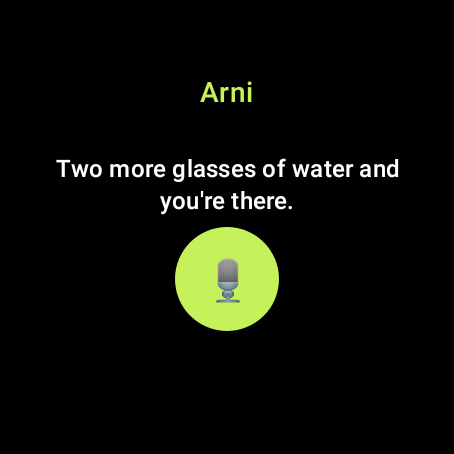
- Talk to ArniOne tap on the watch opens Live on the phone.
Notifications
- You choose whereFor each kind of notification: phone and watch, phone only or watch only.
Another watch?
- Garmin, Samsung, OnePlus, Fitbit and moreTheir workouts arrive through Health Connect in your history, with duration, distance, calories and a heart-rate chart, counted if Platebit logged the same one. Sleep, heart rate and steps come too.
Tiles
Swipe right from the watch face. Add the ones you want, in the order you want.
Watch faces
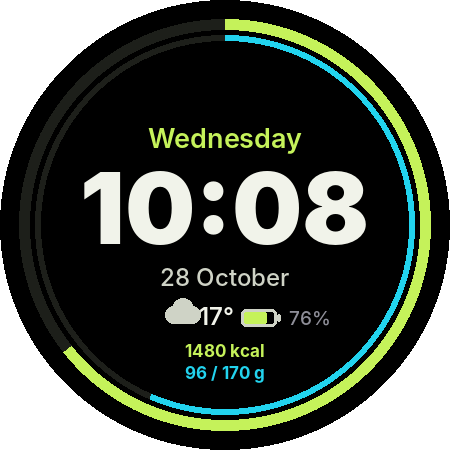
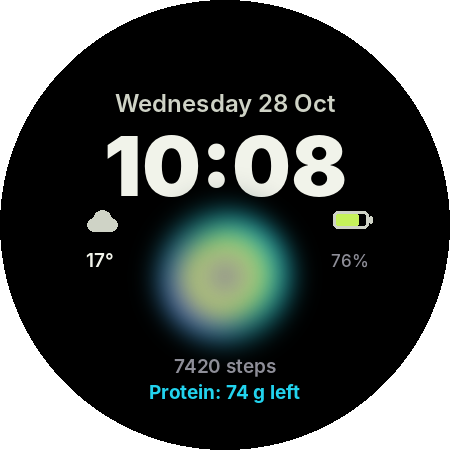
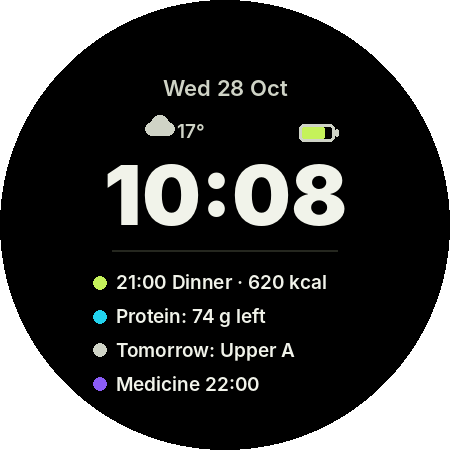
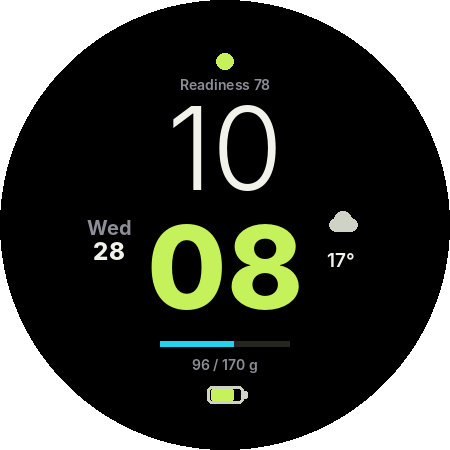
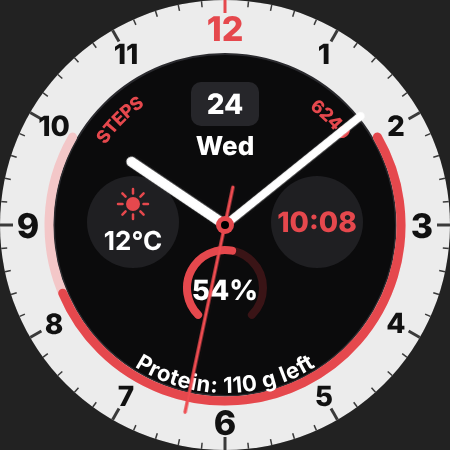
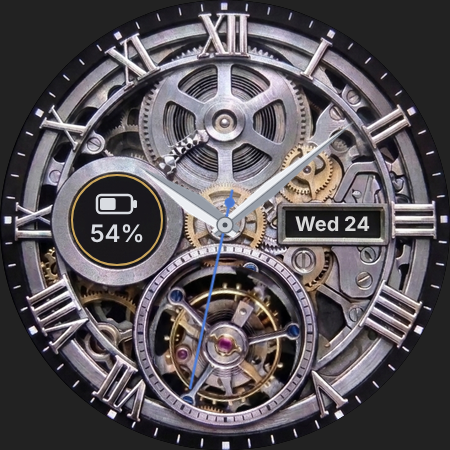
Six faces, four digital and two analog, with the day, date, battery and Platebit's data. For Wear OS 5 and newer, each its own file in the releases on GitHub.
Complications
Put Platebit's data on other faces too: calories, protein, carbs, fat, water, the next medicine's time (never its name), the eating window, readiness, streak, next meal and next workout.
🔒 In discreet mode the watch shows no medicine names, cycle, glucose or blood pressure.
Want to try Platebit?
Download the free beta straight to your phone. No card, no commitment, no ads.